#15 パスで弦の動きをシミュレートするーC4のパスであそぶ(4)
この記事は「一人アドベントカレンダー2013〜Lonely Advent Calender 2013〜」の17日目の記事です。
前回はベジェ曲線をつかって波形アニメーションをつくってみました。今回はもう少し動きに自然な雰囲気を持たせてみようと弦の動きをシミュレートしてみようと思います。
二次曲線(quadratic curve)のつくりかた
今回は二次曲線(quadratic curve)を使って弦の動きを表現してみようと思います。
2点の座標情報と1点のコントロールポイントを与えることで二次曲線をつくり出すことができます。ベジェ曲線との違いはコントロールポイントが1つという点ですね。
    //create the end points for the quadratic curve
    CGPoint quadEndPoints[2] = {
        CGPointMake(0,self.canvas.height/2),
        CGPointMake(self.canvas.width,self.canvas.height/2)
    };

    //create the control points for the quadratic curve
    CGPoint quadControlPoint = CGPointMake(self.canvas.width/2,self.canvas.height);

    //create the quadratic curve
    quadraticCurve = [C4Shape quadCurve:quadEndPoints controlPoint:quadControlPoint];
    quadraticCurve.fillColor = [UIColor clearColor];
    [self.canvas addShape:quadraticCurve];
ベジェのときと同様に、塗りは透明にしておきます。
曲線の初期状態はこんな感じになります。
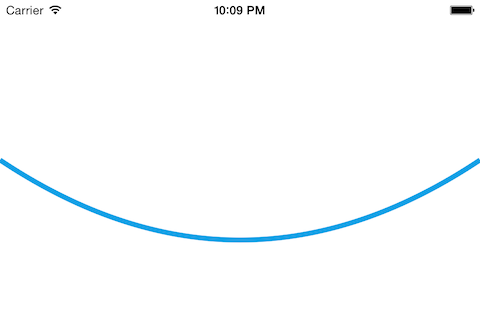
弦の動きをあらわす
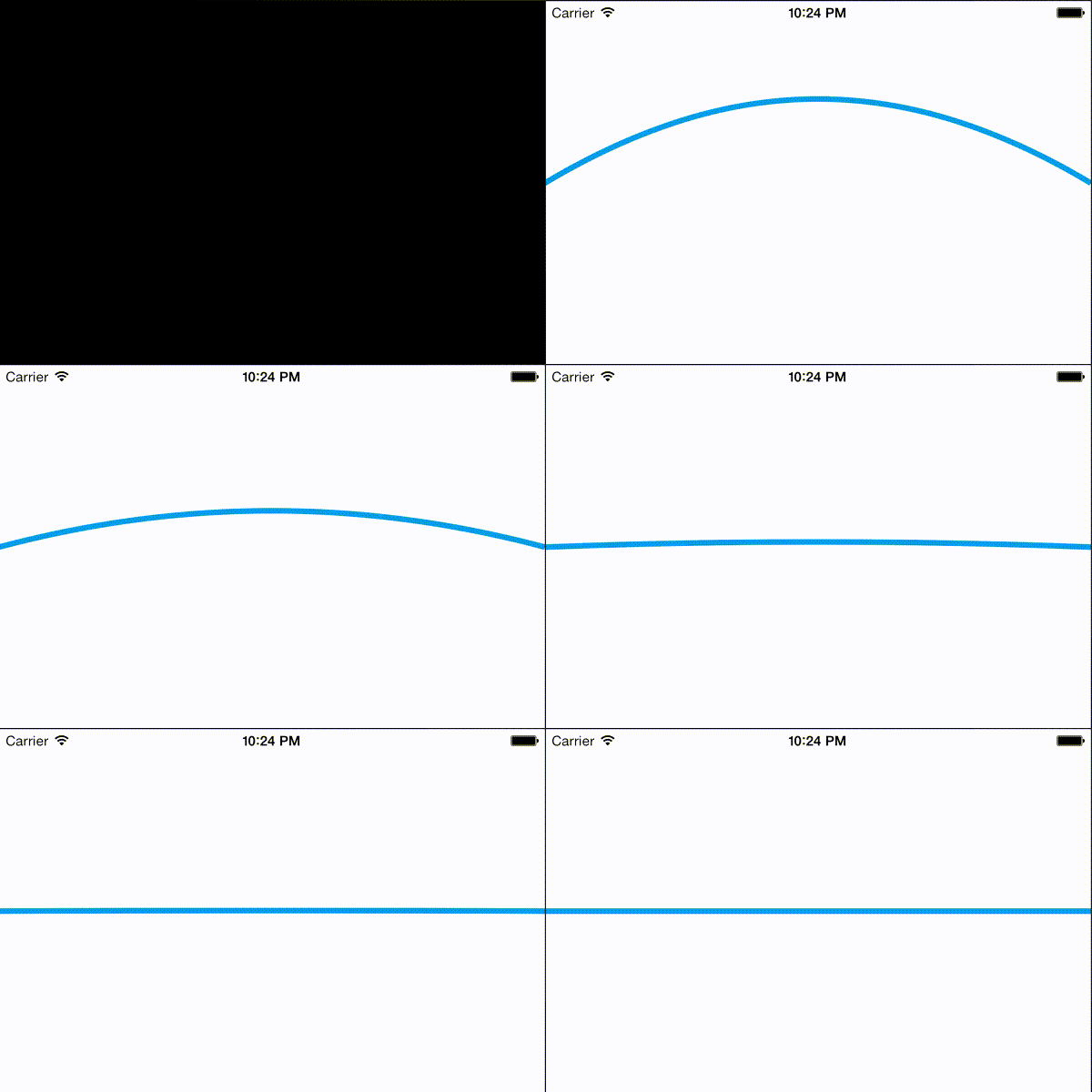
引っ張られた弦がじょじょに減衰していって、最終的には直線になるような動きを表現したいと思いつくってみました。 実際、あやしい感じは否めないですが、方向性は大体あっていると思っています。 今後は最初に引っ張る弦の大きさを決めたりできるようにする予定です。
-(void)updateControl:(NSNumber *)currentHeight
{
    count = count*2;
//
    if([currentHeight floatValue] > self.canvas.height/2) {

        quadraticCurve.animationDuration = 0.2;
        quadraticCurve.controlPointA = CGPointMake(self.canvas.width/2, self.canvas.height/2 - [currentHeight floatValue]);
        float nextHeight = self.canvas.height - (self.canvas.height/2 + ((self.canvas.height/2)/count));
        [self runMethod:@"updateControl:" withObject:@(nextHeight) afterDelay:0.2];

    } else if ([currentHeight floatValue] < self.canvas.width/2) {

        quadraticCurve.animationDuration = 0.2;
        quadraticCurve.controlPointA = CGPointMake(self.canvas.width/2, [currentHeight floatValue]);
        float nextHeight = self.canvas.height/2 + ((self.canvas.height/2)/count);
        [self runMethod:@"updateControl:" withObject:@(nextHeight) afterDelay:0.2];

    } else {
        return;
    }
}
実際の動きはこんな感じになります。 うーん…ちょっとまだ微妙ですね。